

Guide To Moving House With Kids
A Parent's Survival Guide: How to Make Moving House with Kids a Positive Adventure Moving h... Read More
Moving house involves packing countless items, but some are more awkward than others. Your home office printer or scanner is a prime example. It's bulky, has delicate moving parts, and worst of all, holds the potential for a catastrophic ink or toner leak all over your belongings.
But don't stress! With a few simple steps, you can pack your printer or scanner like a pro, ensuring it arrives at your new home clean, safe, and ready to print. If you’d prefer expert help, professional removalists can handle fragile electronics with care, saving you time and reducing the risk of damage. This guide will walk you through the entire process, covering everything from ink cartridges to finding the right box.
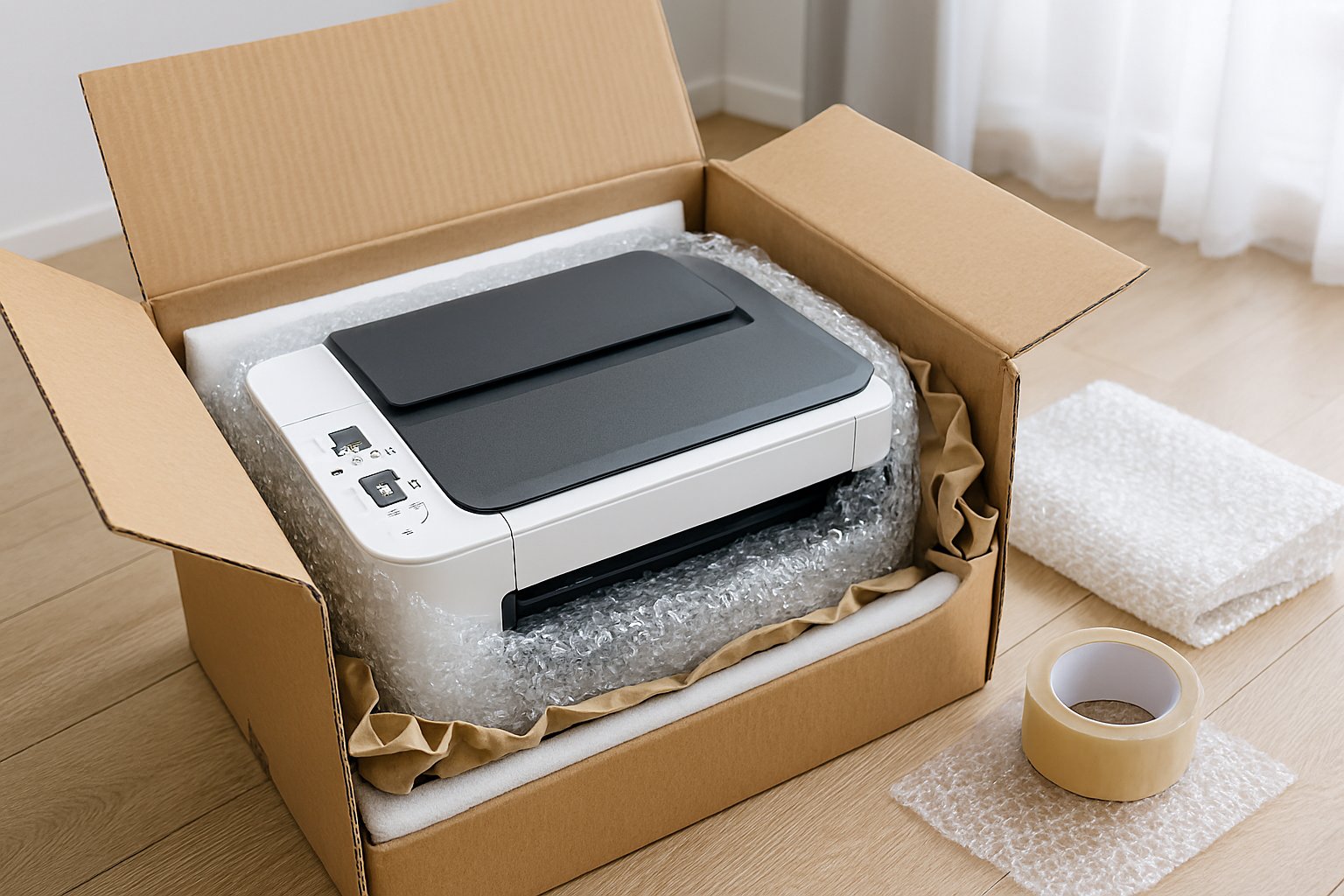
Preparation is key to a successful pack. Before you touch the printer, get your supplies in order.
Here’s what you’ll need:
Follow these steps precisely to avoid damage and messy leaks.
Before you unplug anything, get the device ready.
This is the most critical step and depends on what type of printer you have.
Inkjet cartridges are filled with liquid ink and are the number one cause of moving-day disasters.
Laser toner is a fine powder, not a liquid. It is far less likely to leak. In fact, removing the toner cartridge can expose it to light and damage it, and the loose powder can be incredibly messy. Simply leave the toner cartridge securely inside the machine.
Now it’s time to box it up.
This is the easy part. Place the printer into its custom styrofoam inserts, add the bag of cables, and slide it into the box. Seal it securely. Done!
The process is exactly the same. The most important additional step for an All-In-One is to make sure the scanner lid is securely taped down so the glass is protected and the lid doesn't flap around.
It's a big no. You should always keep a printer upright during transport. Lying it on its side risks causing internal damage, especially to an inkjet printer, where the last drops of ink can run into the electronics.
You can, but it’s always riskier than moving it yourself. A moving truck is a bumpy environment. If you must have removalists move it, make sure it is exceptionally well-packed and very clearly labelled. Your car is always the safest option for delicate electronics.
If you have an inkjet printer and can't find the cartridges, you can't remove them. In this case, your best bet is to pack it as securely as possible, keep it upright at all costs, and hope for the best. There is a higher risk of a small ink leak inside the machine.
A Parent's Survival Guide: How to Make Moving House with Kids a Positive Adventure Moving h... Read More

Proper packing and moving are very essential in many cases such as if you got a transfer or you nee... Read More

A Guide to Commercial Relocation in Perth Commercial relocation comes with a lot of responsibilities... Read More